
Podcast Factory
v0.1.0A complete Podcast OS in a directory. Fill in three placeholders (who you are, what the show is about, your style), run the bootstrap prompt, and a podcast-producer agent builds out your brand page, a 12-episode content calendar, scripts, shownotes, cover-art prompts, and a recording-platform decision guide (Riverside, StreamYard, Zencastr, audio-only).
Podcast Factory
agents
Producer
.agents/producer/
Weekly Calendar Fill
0 9 * * 1
Weekly Episode Prep
0 10 * * 3
1
Agents
2
Jobs
1
Depts
18
Pages
Podcast producer — script writing, episode planning, recording-platform recommendations, brand voice, and shownotes
🎙️ Podcast Factory
A complete Podcast OS in a directory. Fill in three placeholders below, run the bootstrap prompt, and your
Produceragent builds out the rest — brand page, content calendar, scripts, shownotes, cover-art prompts, recording-platform recommendations.
⚡ Bootstrap your Podcast OS
Step 1. Fill in the three placeholders in the Onboarding section below. Be specific. The agent uses only what you write here.
Step 2. Open the AI panel on this page and paste the prompt block below. Hit run.
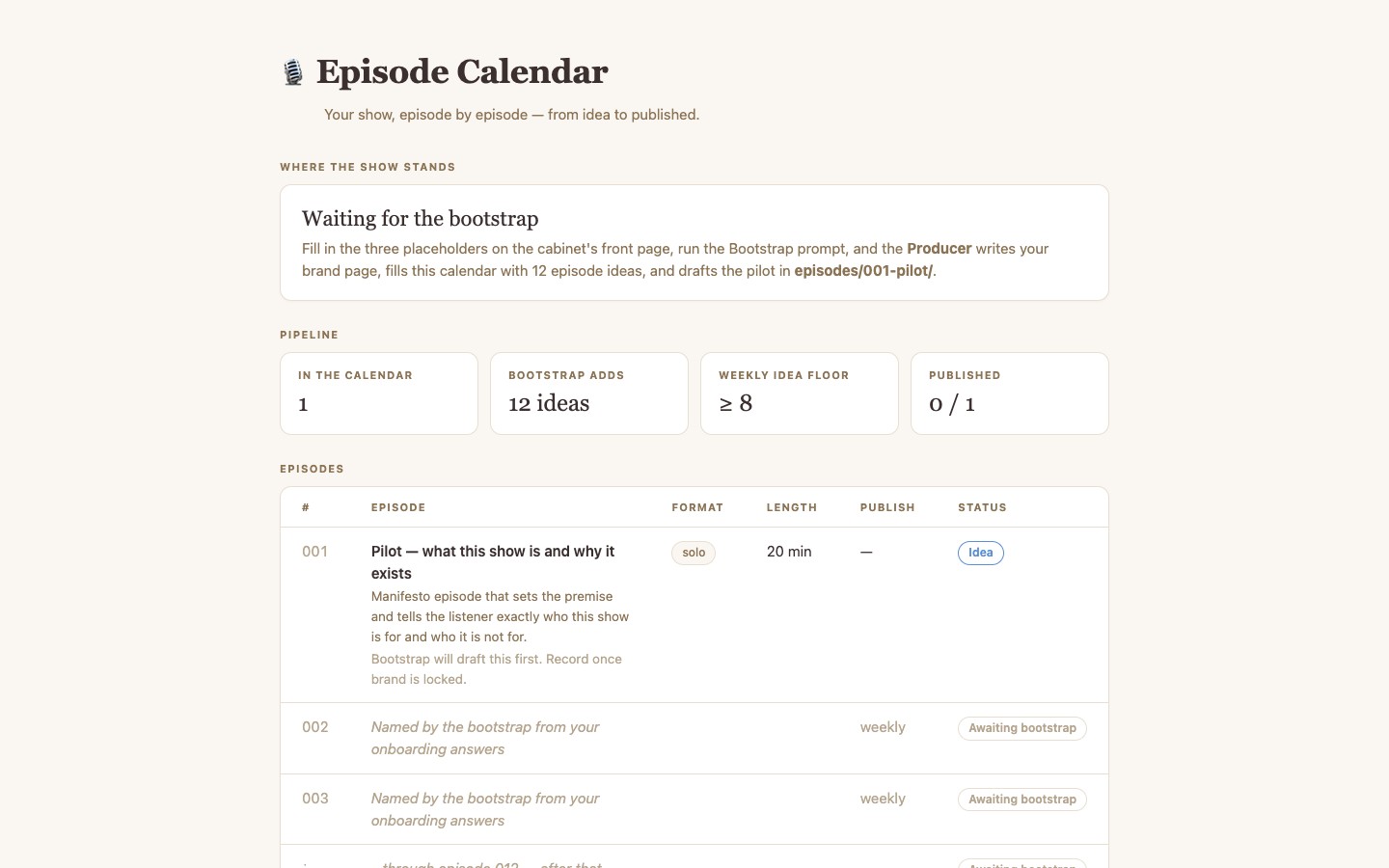
Step 3. Wait. The agent will: write brand/index.md, populate content-calendar.csv with 12 episode ideas, draft a pilot in episodes/001-pilot/, generate cover-art prompts, and recommend a recording platform for your setup.
You are the Producer agent for this Podcast Factory cabinet. The host has just filled in the
"Onboarding" section of index.md with three answers: who they are, what the show is about, and
the style/brand they want.

Read those three answers from index.md (the section under "## 🧩 Onboarding — fill these in").
Then build out the cabinet in this exact order:

1. Write `brand/index.md` based on the host's answers. Lock in: show name, premise (one sentence),
   target audience, episode length (in minutes), publishing cadence, format (solo / conversation /
   interview / narrative / mailbag), tone rules ("we always X", "we never Y"), 5 vocabulary
   do's and don'ts, and the segment structure of a typical episode.

2. Generate 12 episode ideas in `content-calendar.csv`. Use the columns already in the file.
   Number them 001–012. Each row needs: working_title, premise (one sentence), format,
   target_minutes (match brand/index.md), status=`idea`, target_publish_date (weekly cadence
   starting next Monday), notes. Make episode 001 a pilot/manifesto episode that introduces
   the show to a new listener.

3. Draft `episodes/001-pilot/script.md` using the right template from
   `generators/script-generator.md` (match the format you chose in brand/index.md).
   Read it aloud in your head — short sentences, contractions, no list-of-six bullets.

4. Draft `episodes/001-pilot/shownotes.md` using `generators/shownotes-generator.md`. Mark
   anything that depends on the actual recording with `[TK — fill after recording]`.

5. Append a "## Cover-art prompt" heading to `episodes/001-pilot/index.md` and write the
   episode-art prompt using `generators/image-generator.md`. Then write the SHOW cover-art
   prompt at the bottom of `brand/index.md` under "## Cover art prompt".

6. Recommend a recording platform. Read `recording-guide/index.md`. Based on the host's
   answers (solo vs. guests? video? live-stream?), append a "## Recommended recording setup"
   block to `brand/index.md` with a 1-line answer plus 2–3 lines of reasoning.

7. Append a "## ✅ Bootstrap complete — [YYYY-MM-DD]" block to this index.md listing what
   you built and what the host should do next (record the pilot, set up the chosen platform,
   commission the cover art).

Rules:
- Use only what the host wrote in the Onboarding section. Do not invent biographical details.
- Match the tone the host described — if they said "dry and sarcastic", the brand page and
  pilot script must read dry and sarcastic.
- If a placeholder is empty or vague, ask the host to fill it in before continuing — do not
  guess. Print the question, then stop.
- Do not modify anything in `recording-guide/`, `publishing-guide/`, or `generators/` — those
  are the durable templates.
🧩 Onboarding — fill these in
Replace the
_________lines with your answers. Be specific. Vague answers produce a vague show.
1. Who are you?
Name, day-job or background, why you specifically can host this show, one sentence on credibility, one on personality. "I'm a former ER nurse who now teaches CPR — I'm warm but very direct and I don't tolerate medical mythology." beats "I'm a health expert."
_________
2. What is the podcast about?
The premise in one sentence. The target listener (be specific — "people who just got their first dog, in the first 90 days" beats "dog people"). The 3 questions every episode should help the listener answer. What this show is NOT about (lock the scope).
_________
3. What style and brand?
Tone (warm? dry? sharp? nerdy?). Format (solo monologue / two-host / interview / narrative / mailbag). Episode length in minutes. Publishing cadence (weekly? bi-weekly?). Will you record video? Do you usually have remote guests? Three words you want listeners to use when describing the show. Three words the show must never sound like.
_________
📚 What is in this cabinet
| Page | What it is |
|---|---|
| [[brand/index]] | Your show's brand & voice spec — populated by the bootstrap |
content-calendar.csv |
The episode pipeline — interactive table |
| [[episodes/index]] | Episode catalog + reusable template |
| [[generators/index]] | Copy-paste prompt packs: script, shownotes, image, title/hook |
| [[recording-guide/index]] | Decision matrix + per-platform guides for Riverside, StreamYard, Zencastr, audio-only |
| [[publishing-guide/index]] | RSS, Spotify, Apple, YouTube, distribution checklist |
🤖 Your team
One agent does it all:
- 🎙️ Producer — script writing, episode planning, recording-platform recommendations, brand voice enforcement, shownotes. Runs every Monday to refill the calendar; runs every Wednesday to script the next episode.
🔁 What runs on a schedule
- Weekly Calendar Fill — Monday 9am. Tops up the content calendar so you always have ≥8 episodes in the pipeline.
- Weekly Episode Prep — Wednesday 10am. Picks the next un-scripted episode and writes the script, shownotes scaffold, and cover-art prompt for it.
🚀 After the bootstrap
- Read what the agent wrote in
brand/index.md. Edit anything that does not feel like your show. - Read the pilot in
episodes/001-pilot/script.md. Read it aloud. Cut what you would not actually say. - Pick a recording platform from
recording-guide/index.mdand set it up. - Commission the cover art using the prompt in
brand/index.md. - Record episode 001. Update
content-calendar.csvrow tostatus=recorded, thenpublishedafter upload. - From here on, the Wednesday agent drafts each new episode for you.
$ git clone --filter=blob:none --sparse https://github.com/hilash/cabinets.git && cd cabinets && git sparse-checkout set podcast-factory